

Overview of out-of-the-box alerts
iMIS provides several out-of-the-box automated alert tasks and alert sets that are already set up for your organization to use and modify.
All out-of-the-box alerts
The following are system alert tasks that come out-of-the-box with iMIS.
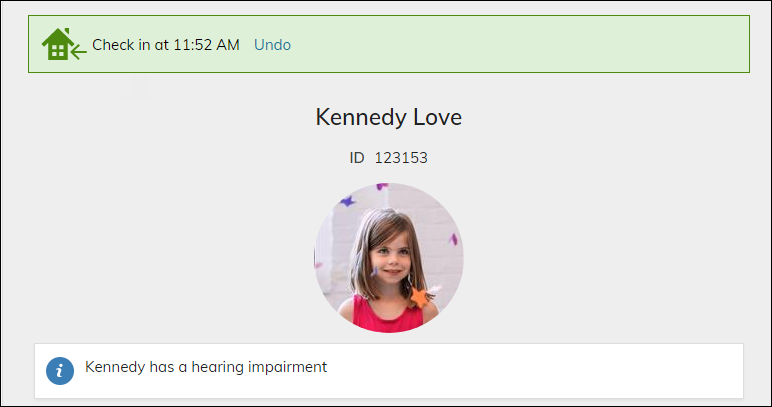
Creates an alert if the selected contact has an information alert flagged to display on check-in.
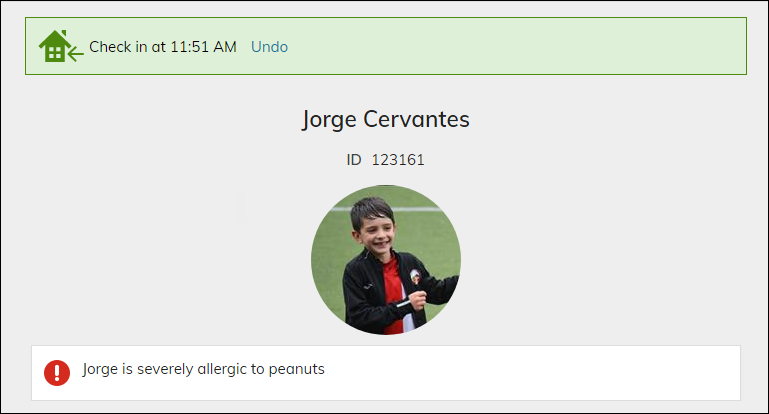
Creates an alert if the selected contact has an urgent alert flagged to display on check-in.
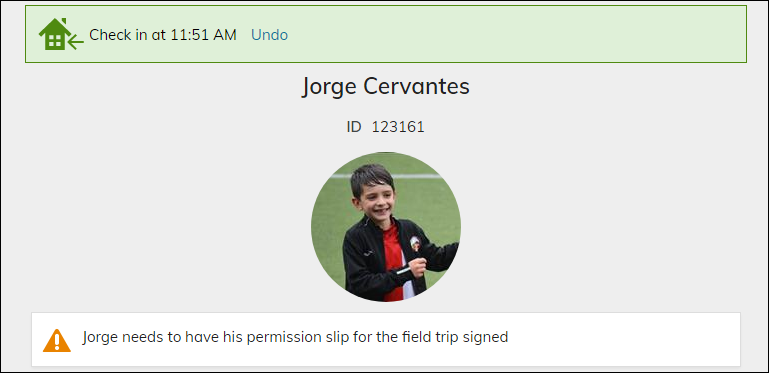
Creates an alert if the selected contact has a warning alert flagged to display on check-in.
Creates an alert with an information icon if the selected contact has an informational alert.

Creates an alert with a red icon if the selected contact has an urgent warning.

Creates an alert with a yellow icon if the selected contact has a warning alert.

Creates an alert that will appear on an member's account page if the selected contact has any allergies indicated in the Medical Information panel source.

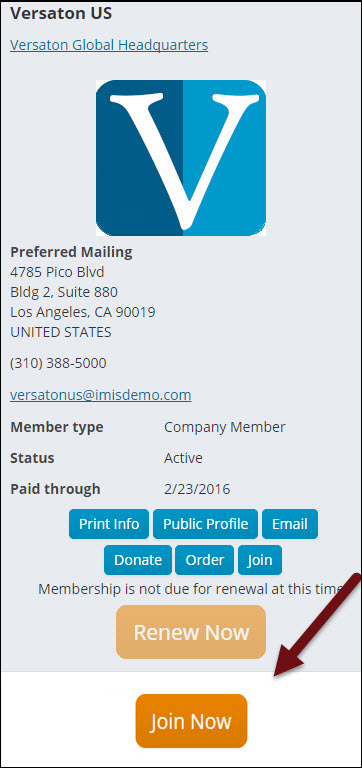
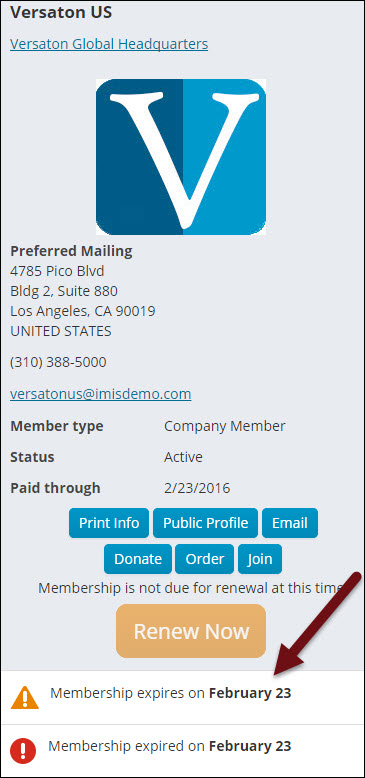
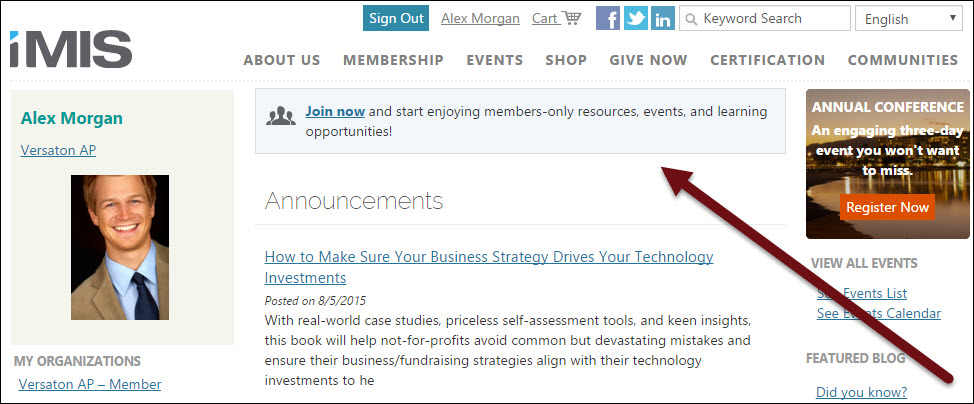
Creates an alert if the selected organization is not a member, prompting them to join.
Creates an alert that will appear on the individual's account page when it is their birthday.

Creates an alert that will appear when the selected contact is currently checked in to a club.

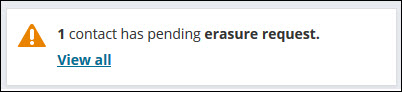
Creates an alert for contact erasure requests.
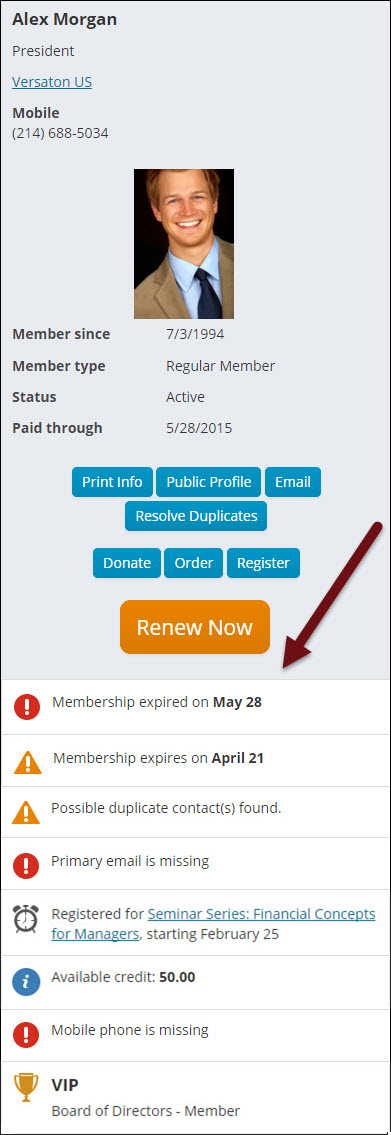
Displays an alert if your system found a possible duplicate contact record for that person.
📘 Note
This alert appears when you are licensed for Contact Merge - Plus. For more information, contact your AiSP or ASI Technical Support.

Displays a button to print the confirmation for an event registration.
Displays a button to print the invoice for an event registration.
Displays an alert when the selected contact is registered for an event occurring within 21 days.

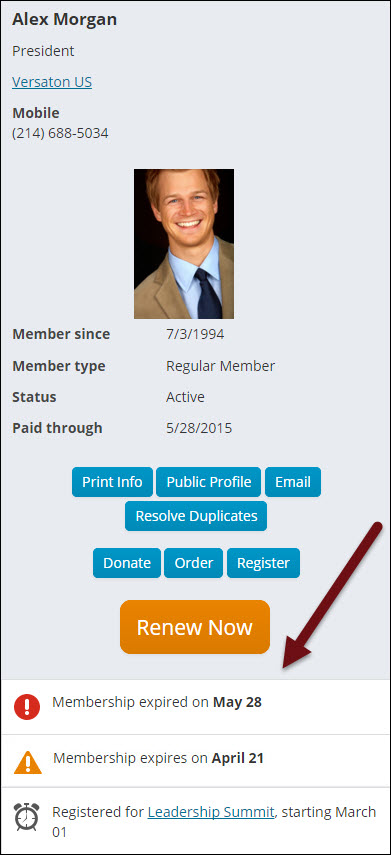
Displays an alert when the selected contact’s membership is expired.

Creates an alert that will appear on an organization administrator's account page notifying them that the organization is expired.

Creates an alert that will appear when a member of the selected contact's household is currently checked in to a club.

Displays an alert when the selected contact’s membership will expire within 60 days.

Creates an alert if the selected contact has no mobile phone number defined.

Displays an alert when the selected contact does not have a primary email entered.

Creates an alert that will appear on a club member's account page if they are not in a household at all or if the household they are in has no primary contact.
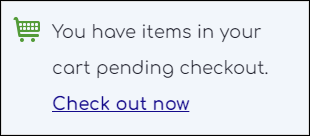
Creates an alert that will appear on the member's home page when there are items left in the cart.
Creates an alert if the selected contact has open credit.

Creates an alert when an open invoice is due.

Creates an alert if the selected contact is an administrator for an organization which has open invoices.

Creates an alert if the selected contact is an administrator for an organization which has outstanding membership renewal invoices.
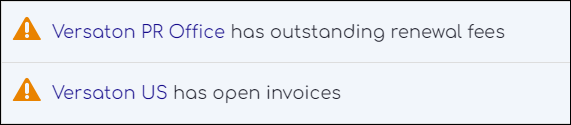
Creates an alert that will appear on an organization administrator's account page when the organization is expiring within 60 days.

Creates an alert that will appear on the selected contact's account page displaying the total outstanding balance.
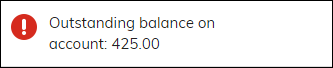
Creates an alert that will appear with the selected contact's total outstanding balance and a link to pay it.
Creates an alert if the current user's password expires within 14 days.

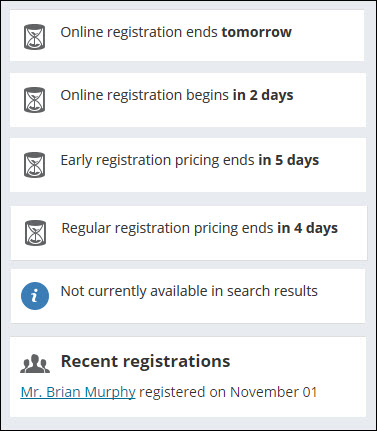
Creates an alert for the selected event when the early registration pricing will end within seven days.

Displays the capacity and number of registrants for an event if the capacity is full.

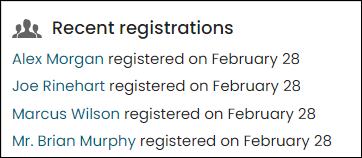
Creates an alert listing the 10 most recent registrations for the selected event.
Creates an alert for the selected event if it is not currently included in search results.

Creates an alert when the online registration for an event closes within seven days.

Creates an alert when the online registration for an event opens within seven days.

Creates an alert when the regular registration pricing for an event will end within seven days.

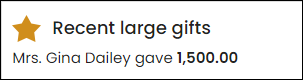
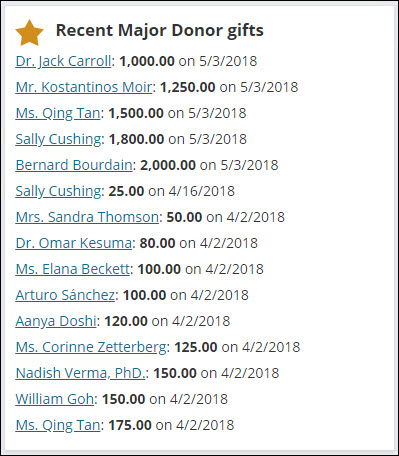
Creates an alert displaying recent gifts from any major donor.
Creates an alert for the selected event when the early registration pricing will end within 7 days.

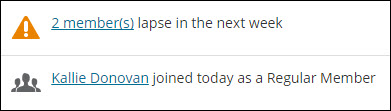
Creates an alert with a count of members whose memberships expire within 7 days.

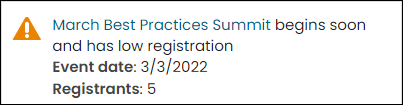
Creates an alert when an event starts soon and has low registration.
Creates an alert for contacts who have recently joined a group.
Creates an alert for members who have joined today.

Creates an alert for contacts who have recently joined a group.

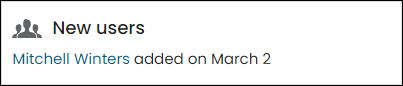
Creates an alert listing new users created in the last 7 days.
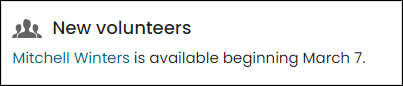
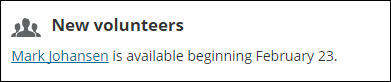
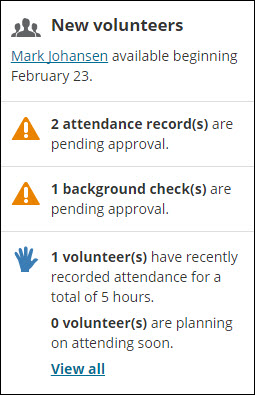
Creates an alert listing new volunteers available within 7 days either direction.
Creates an alert when the online registration for an event closes within 7 days.

Creates an alert when the online registration for an event opens within 7 days.

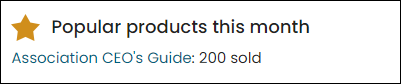
Creates an alert listing the products with the highest quantity purchased this month.
Creates an alert when a promotion begins today.

Creates an alert when a promotion ends today.

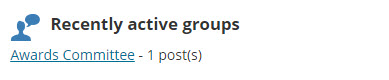
Creates an alert displaying groups with recent posts.
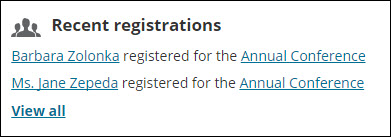
Creates an alert listing the 10 most recent event registrations.
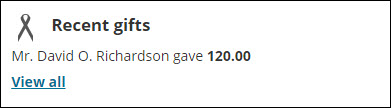
Creates an alert listing recent gifts under 500.00.
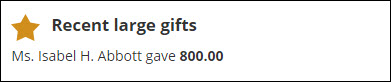
Creates an alert listing recent gifts of 500.00 or more
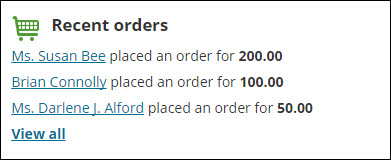
Creates an alert listing orders placed today.
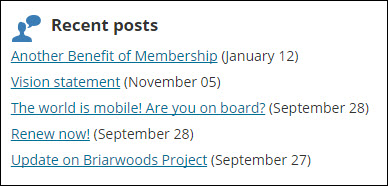
Creates an alert displaying the most recent posts.
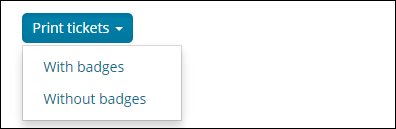
Displays a button to allow staff to print tickets from an event's specific dashboard.
Creates an alert for each event that begins within the next 15 days.

Creates an alert with a count of volunteer attendances needing approval.

Creates an alert with a count of volunteer background checks needing approval.

Displays a summary of the number of volunteers who recorded attendance for the last 7 days and volunteers who are planning on attending in the next 7 days.
Displays information from ASI Cloud Services about upcoming iMIS maintenance. Cloud services controls when to display and remove the alert.

Sample alert tasks
Other out-of-the-box tasks are sample alerts, designed for you to use as examples. These tasks are enabled for installs and upgrades, but since they are not included in a system alert set, they do not automatically display. These sample alert tasks include:


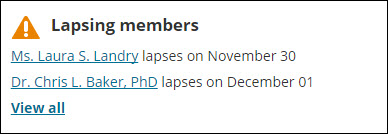
Creates an alert listing members whose memberships expire within 7 days.
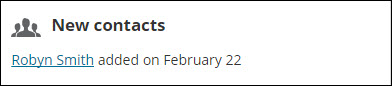
Creates an alert listing new contacts created in the last 7 days.
Displays an alert when the selected contact is a VIP, such as committee members with a position of Chair or President or members of the Board of Directors.

System alert sets
Enabled out-of-the box alert tasks that are included in an alert set by default will automatically display to website users after an install or upgrade. The system staff account page, member account page, and member website home page already contain Alert Display content items configured to use the system alert sets.
AutoPay Fundraising Dashboard
Alerts that appear on the AutoPay Fundraising Dashboard in the Staff site. This set includes the following alerts:

Club household contact staff alerts
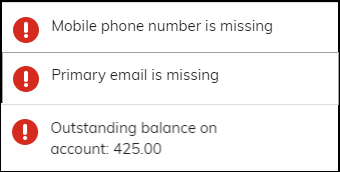
Alerts that appear on the staff account page for household contacts. This set includes the following alerts:
- Missing primary email alert
- Missing mobile phone alert
- Outstanding balance alert
- Contact birthday alert
Club member staff alerts
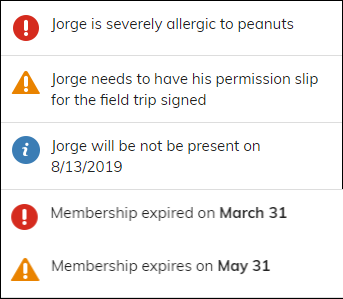
Alerts that appear on the staff account page for club members. This set includes the following alerts:
- Account alerts - Urgent
- Account alerts - Warning
- Expired membership alert
- Membership expires soon alert
- Account alerts - Information
- Contact birthday alert
- No primary contact alert
Commerce Dashboard
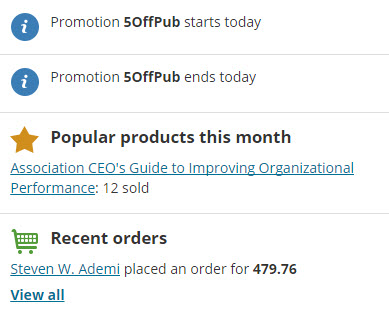
Alerts that appear on the Commerce dashboard in the Staff site. This set includes the following alerts:
- Staff popular products this month alert
- Staff promotion begins today alert
- Staff promotion ends today alert
- Staff recent orders alert
Community Dashboard
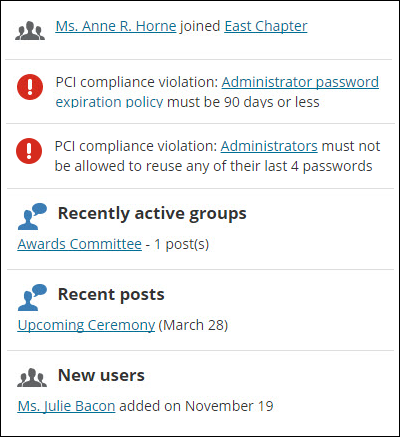
Alerts that appear on the Community dashboard in the Staff site. This set includes the following alerts:
- Upgrade alert message
- Contact erasure request alert
- Password expires soon alert
- Staff new group members alert
- Staff new users alert
- Staff recent active groups alert
- Staff recent posts alert
Events Dashboard
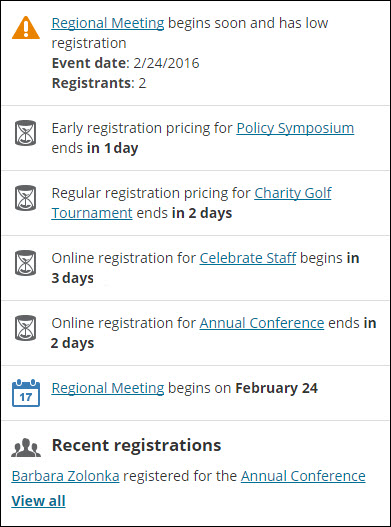
Alerts that appear on the Events dashboard in the Staff site. This set includes the following alerts:
- Staff early pricing cutoff alert
- Staff low event registration alert
- Staff online registration opens soon alert
- Staff online registration closes soon alert
- Staff recent event registrations alert
- Staff regular pricing cutoff alert
- Staff upcoming event alert
Fundraising Dashboard
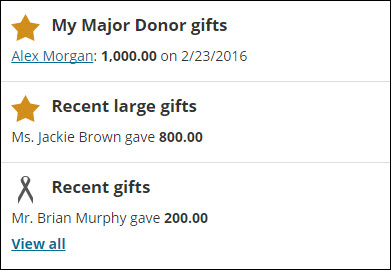
Alerts that appear on the Fundraising dashboard in the Staff site. This set includes the following alerts:
Join Alert
This set includes alerts that display to Company Administrators on the organization home page.
Member alerts
This set includes alerts that display to public users on the home page and their account page. This set includes the following alerts:
- Contact birthday alert
- Event reminder alert
- Expired membership alert
- Expired organizations
- Membership expires soon alert
- Open cart alert
- Open invoice alert
- Organization administrator open invoice alert
- Organization administrator renewal due alert
- Organizations expiring soon
- Password expires soon alert
Membership Dashboard
Alerts that appear on the Membership dashboard in the Staff site. This set includes the following alerts:
Moves Management Dashboard
Alerts that appear on the Moves Management dashboard.
Organization administrator alerts
Alerts that display to organization administrators on the organization's account page. This set includes the following alerts:
Quick Start Member alerts
This set includes sample alerts for Quick Start Sites.
Specific event dashboard
Alerts that appear on the specific event dashboard.
Staff account page alerts
This set includes alerts that display to staff users on the staff account pages for contacts. This set includes the following alerts:
- Account alerts - Information
- Account alerts - Urgent
- Account alerts - Warning
- Contact birthday alert
- Duplicate Contact Alert
- Event reminder alert
- Expired membership alert
- Expired organizations
- Membership expires soon alert
- Missing primary email alert
- Open credit alert
- Open invoice alert
- Organization administrator open invoice alert
- Organization administrator renewal due alert
- Organizations expiring soon
- Password expires soon alert
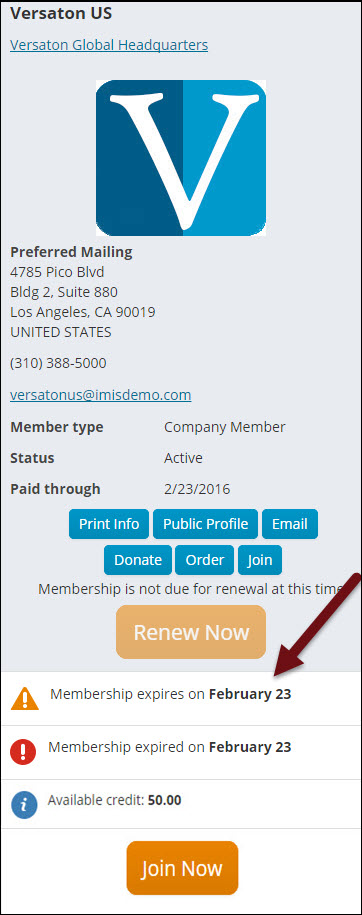
Staff organization account page alerts
Alerts that appear on the organization account page which staff users see. This set includes the following alerts:
- Account alerts - Information
- Account alerts - Urgent
- Account alerts - Warning
- Expired membership alert
- Membership expires soon alert
- Open invoice alert
- Open credit alert
Staff specific event alerts
Alerts which appear on the event showcase to staff users only. This set includes the following alerts:
- Specific event early pricing cutoff alert
- Specific event not available in search
- Specific event recent registrations alert
- Specific event registration closes soon alert
- Specific event registration opens soon alert
- Specific event regular pricing cutoff alert
System alerts
Alerts that display to staff users as a banner at the top of the Staff site. This set includes the following:
- Upgrade alert message
- Disabled task alert message
For optimal performance, ensure any additional alerts meet the following criteria:
- The alert has a brief, single line message.
- The alert uses IQA queries that run quickly and do not cause a system slowdown. For more information, see IQA Queries: Best Practices.
Volunteers Dashboard
Alerts that appear on the Volunteers dashboard in the Staff site. This set includes the following alerts:
- Staff new volunteers alert
- Staff volunteer attendance pending approval
- Staff volunteer background checks pending approval
- Staff volunteer history and upcoming summary
Disabling and editing out-of-the-box alerts
After installing or upgrading iMIS, you should review the system alerts tasks to confirm that you do want these alerts to display to users.
You need to review the system alert tasks to ensure that they are configured appropriately for your organization. If you do not want a system alert task to generate an alert, you need to disable the task or remove it from all alert sets.
- From the Staff site, go to RiSE > Process automation.
- Select the Tasks tab.
- Open and review the alert tasks:
- If you do not want to use a system task, deselect Enabled.
- Confirm that the task uses an appropriate Conditions data source. The task only runs when the data source returns records.
- Confirm that the Alert is configured appropriately. Without the purchase of the PLUS license some modifications will not be permitted.
- Review the query data sources used as conditions in the enabled tasks. Select the Data sources tab to add or modify a query data source:
- Click Add data source:
- Enter a Data source name. It is recommended that you choose a name that indicates the type of records returned by the data source.
- Select an existing query or click Create source query to add a new query.
- If you select an existing query, the $/Common/Tasks/Queries folder opens by default.
- If you choose to add a new query, you are taken to the Intelligent Query Architect where you can define a new query.
- Modify an existing data source displayed in the Alert Message. If you have not purchased the PLUS license, complete the following for alert messages that contain a data source:
- Remove the defined data source from the Data sources, Conditions, and Alert tabs.
- Create a new data source with the exact same Data source name as the data source defined in the Alert Message.
- Review the data source to validate that the columns are exactly same as the data source defined in the Alert Message.
- Add the new data source to the Data sources on the Alert tab.
- Click Add data source:
- Save your changes.
- Go to RiSE > Process automation.
- Select the Alert sets tab and confirm that the alert tasks are located in the appropriate alert set.
Updated 5 months ago