

Using Pay Later
The Pay Later payment method allows users to submit a transaction without immediate payment.
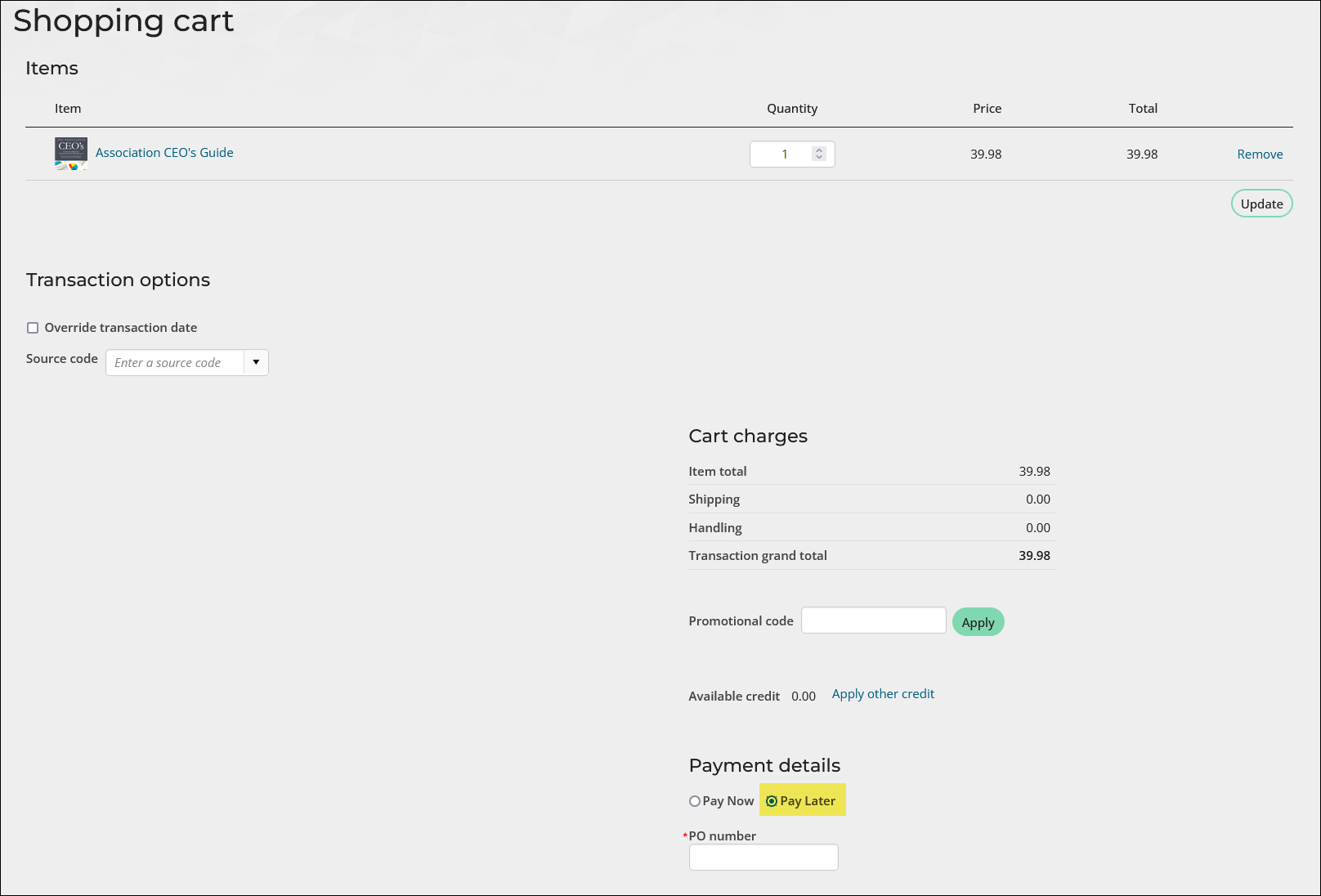
NoteOnce you have selected the option to Pay Later in the cart, the option will not appear for that particular invoice again.
Adding the option to Pay Later
To configure your site to accept the Pay Later payment method, do the following:
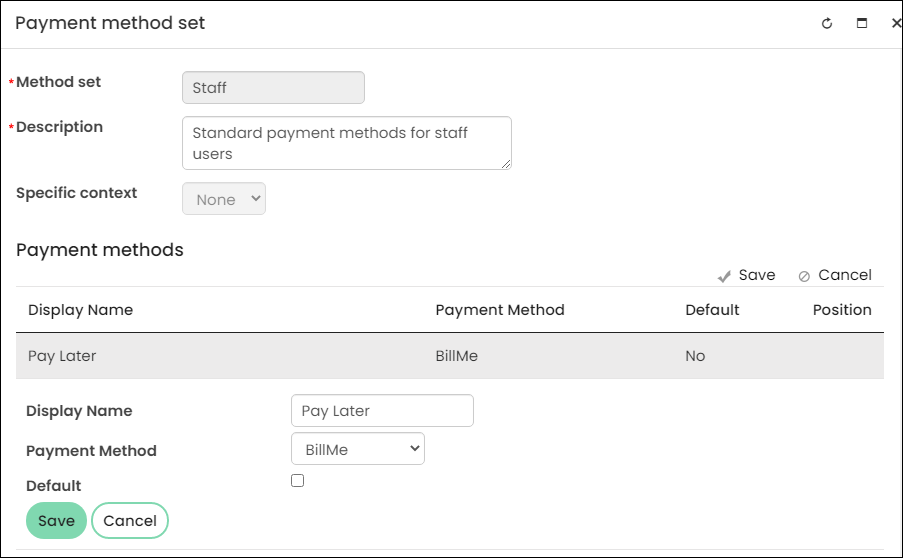
- From the Staff site, go to Settings > Finance > Pay Central > Payment method sets.
- Select the Staff payment method set.
- Select Add new:
- Enter a Display Name, such as Pay Later, Bill Me, or Please Invoice.
- From the Payment Method drop-down, choose BillMe.
- Click Save.
- (optional) If you need public users to have the option to Pay Later, add the BillMe payment method to the Public payment method set.
Updated 5 months ago
Did this page help you?