

Changing zone properties
Zone properties enable you to apply unique styling to specific content items for emphasis and contrast.
Do the following to apply a style to a content item’s zone property:
- Edit the content record.
- Click Edit zone properties.
- Enter the name of the class in Zone CSS Class.
Note
In order to style zone properties for content items, you must be a system administrator. For more information about assigning roles, see User credentials.
You can add more zone style classes if needed, but all tree-named themes contain the following zone style classes:
-
TitleBarNoBorder – Removes the bottom border from content item headers.
-
CCOGrayBg – Applies a gray background to content appearing in CCO tabs.
-
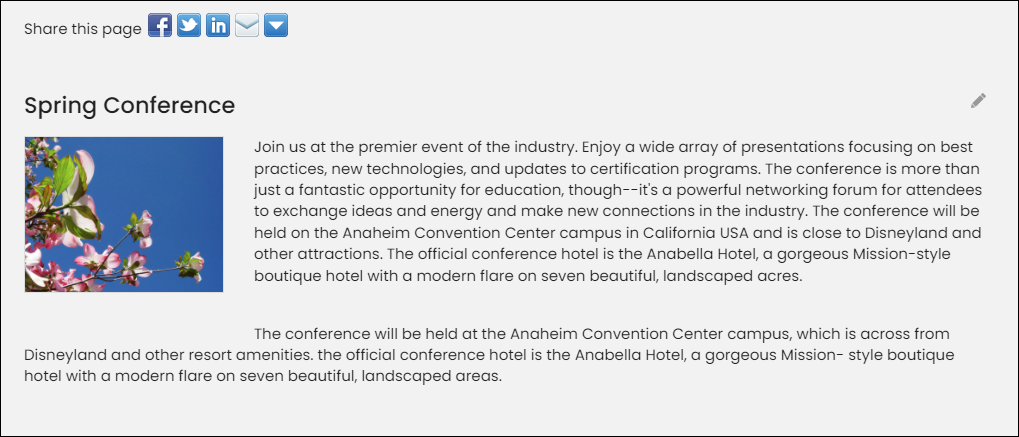
CalloutBlockType1 – Accentuates a content item whose border is enabled.

Updated 5 months ago
Did this page help you?