

Applying promotion codes
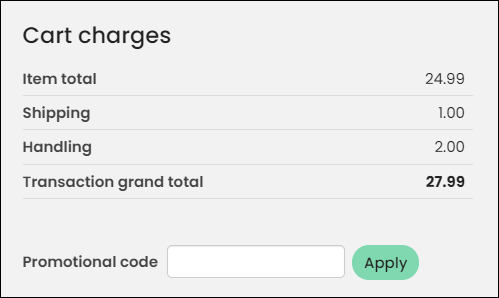
The Promotion Manager content item lets you make use of the discounts that you define. The content item lets shoppers enter a promotion code to apply to their entire order. When the code is valid, the order lines update to the new reduced amounts. The content item hides itself if no promotions have been defined or if the cart is empty.
When a user is eligible for an event registration promotion based on the Qualified customers IQA, that same promotion will apply to all other registrants such as those that use Register Someone Else.
Promotion codes cannot be applied to products with original prices of 0.00. Even if you update the price before adding the product to the cart, the promotion code will not apply. You must change the original price of the product to a price greater than 0.00.
Updated 19 days ago