

Deleting an event
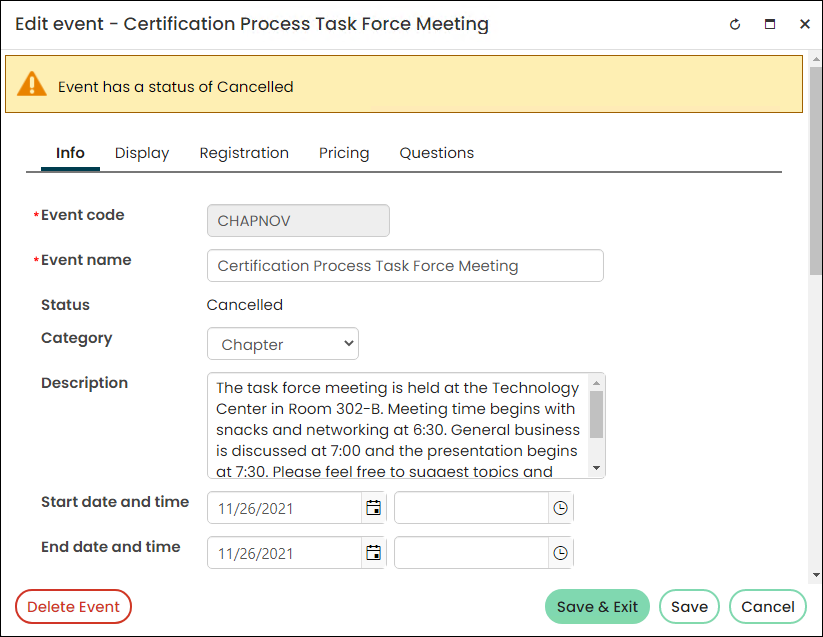
NoteYou cannot delete an event, program item, or program session nor deselect a recurring program item or alter recurrence data if attendance is recorded for the item you wish to delete.
When an event is deleted, all meeting and function definitions for the event are not deleted from the database. The event is marked as deleted in the database. The event can no longer be found through the Staff site.
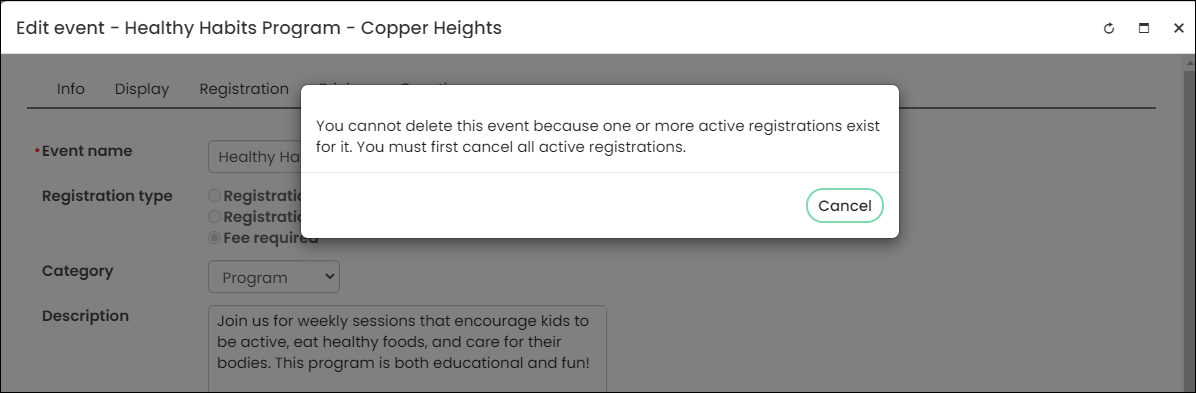
NoteYou cannot delete an event until all active registrations for an event are cancelled.
Do the following to delete an event:
-
Select Events > Find event or search for the event.
-
Select the event you want to delete.
-
Edit the event and then click the Delete Event button.
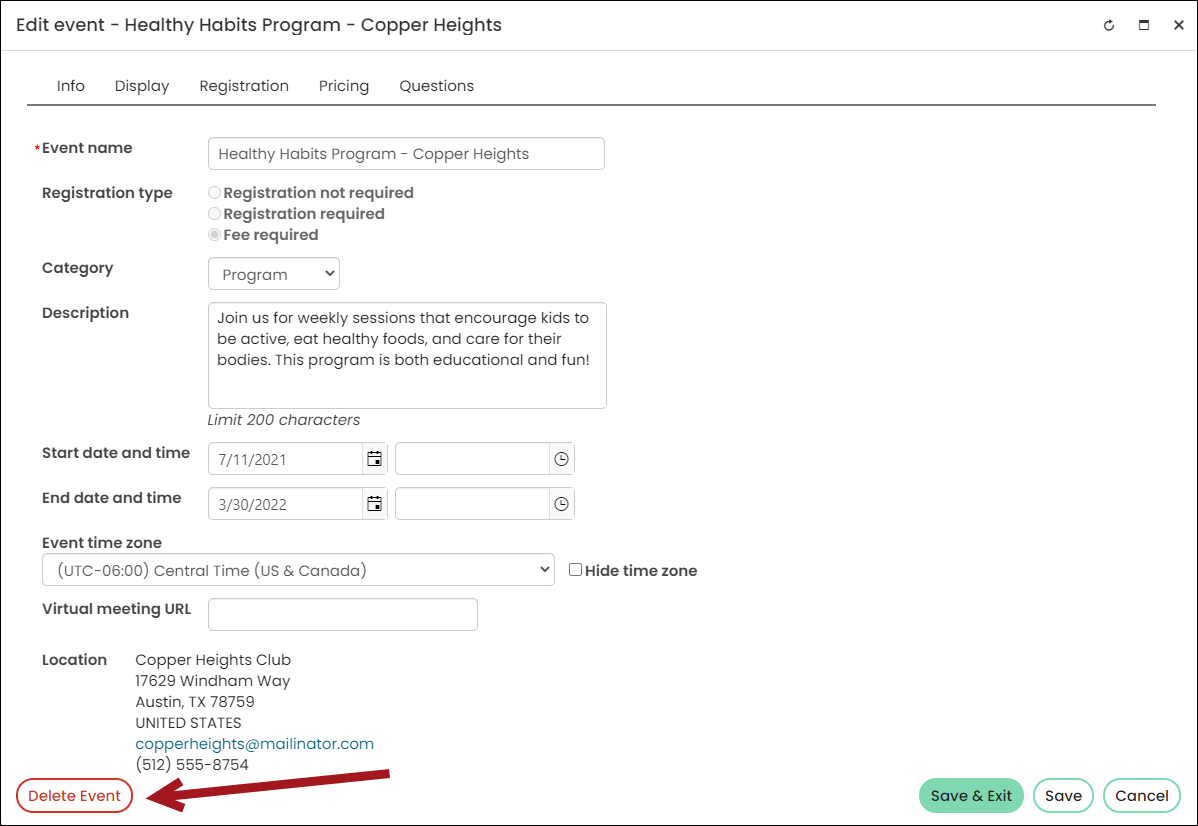
You cannot delete an event until all active registrations for an event are cancelled. If there are active registrations, iMIS will display a warning message:
-
Cancel all active registrations and select Delete again. The event is deleted and can no longer be found through the Staff site.
Updated 5 months ago