

Sample communication templates
Out-of-the-box, iMIS ships with many different sample communication templates that your organization or association can use as a starting point for your communication templates. These templates are responsive, and can be located by going to Marketing > Communication templates > Templates > Samples. The following templates are available:
Blank responsive
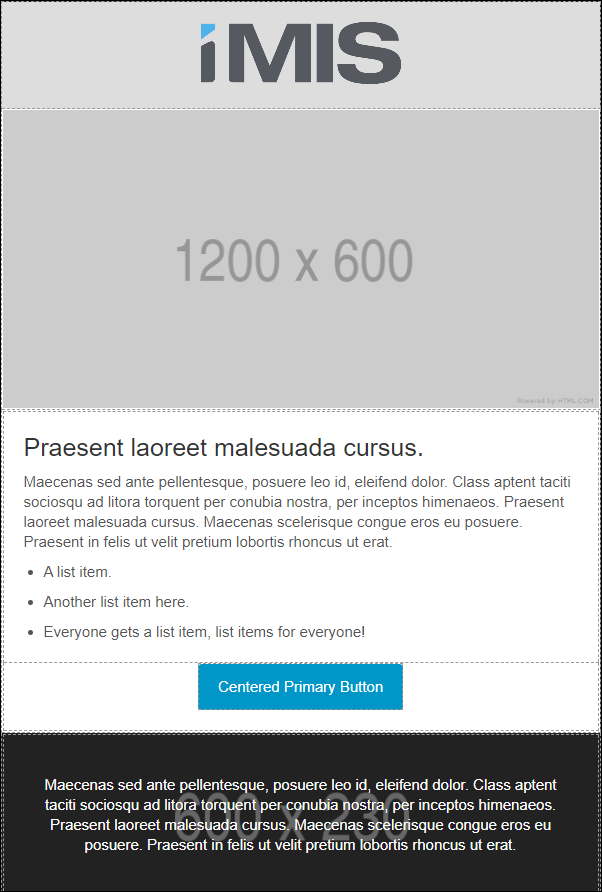
This template is responsive across all platforms (desktop, mobile, tablet, etc.), meaning that images and text resize accordingly. Use this template as a starting point for communications, such as a newsletter or promotional marketing.
Tribute notifications
Use this communication as a starting point when creating emails for donations submitted as a tribute. See Setting up tribute donations for more information.
Account Statement
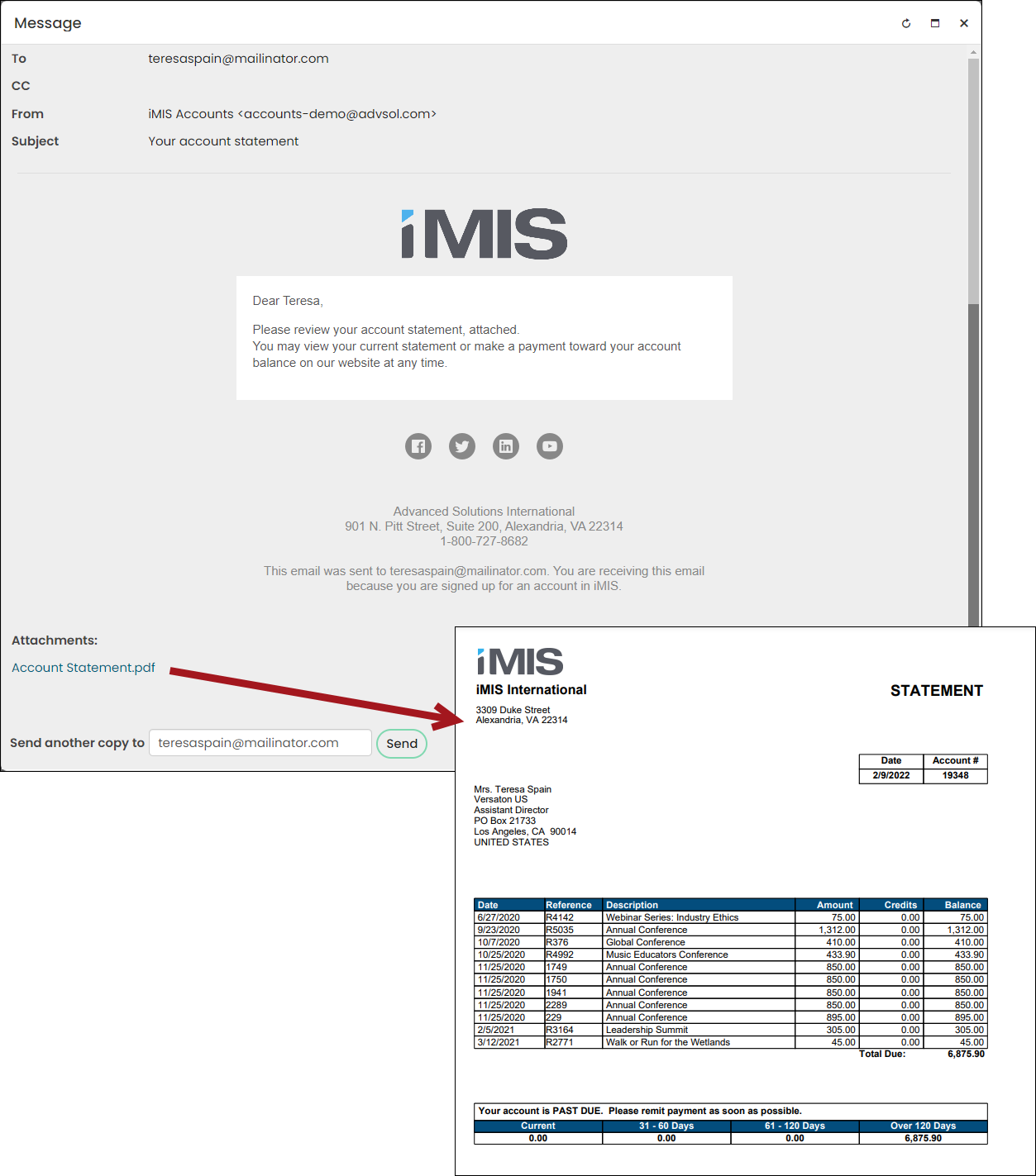
Send this communication to those who have an outstanding balance with your organization. The attached Account Statement details the date, reference number, description, amount, credit, and balance of all items that make up their outstanding balance. The statement excludes invoices with zero balances, future dates (pledges), and accrual dues invoices that are not for the most recently billed term.
Annual Conference Invitation
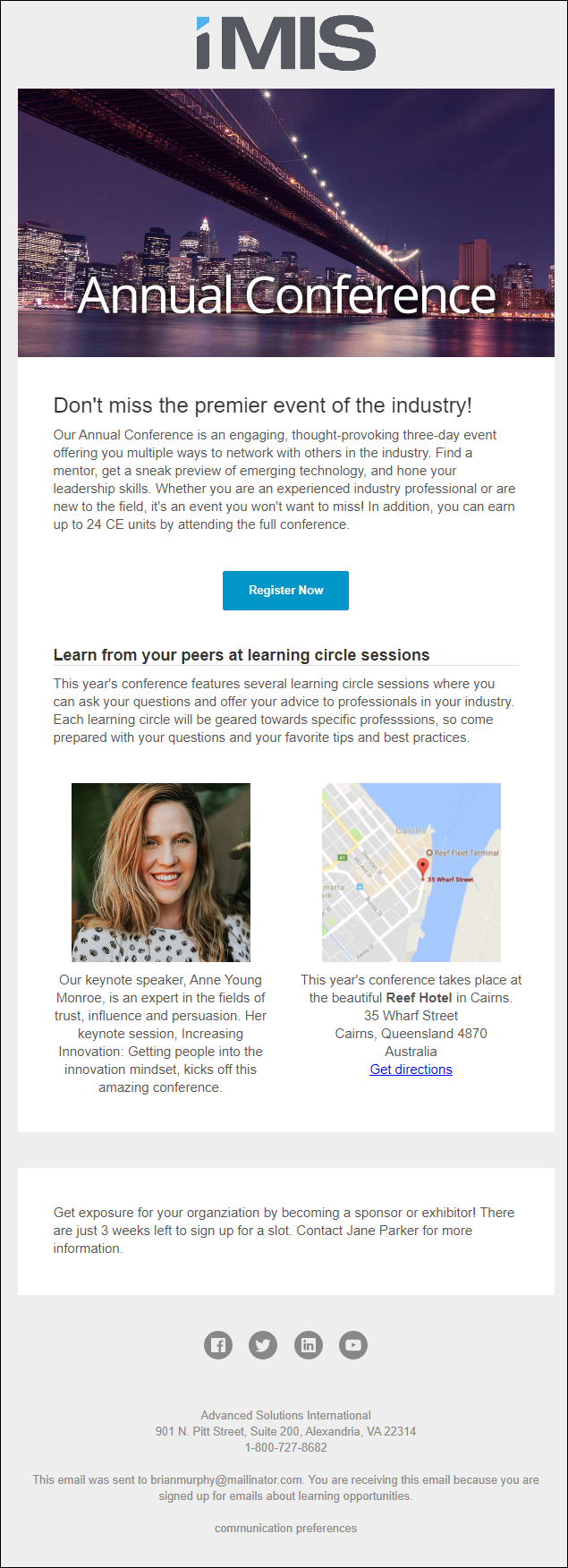
This template is a great starting point for you to use when creating communications for an event.
Content Workflow
This is used as an internal communication, letting content authors that their content will expire soon. This communication is only sent if a content record is set to expire on a certain date. See Using sitemaps for more information.
Default
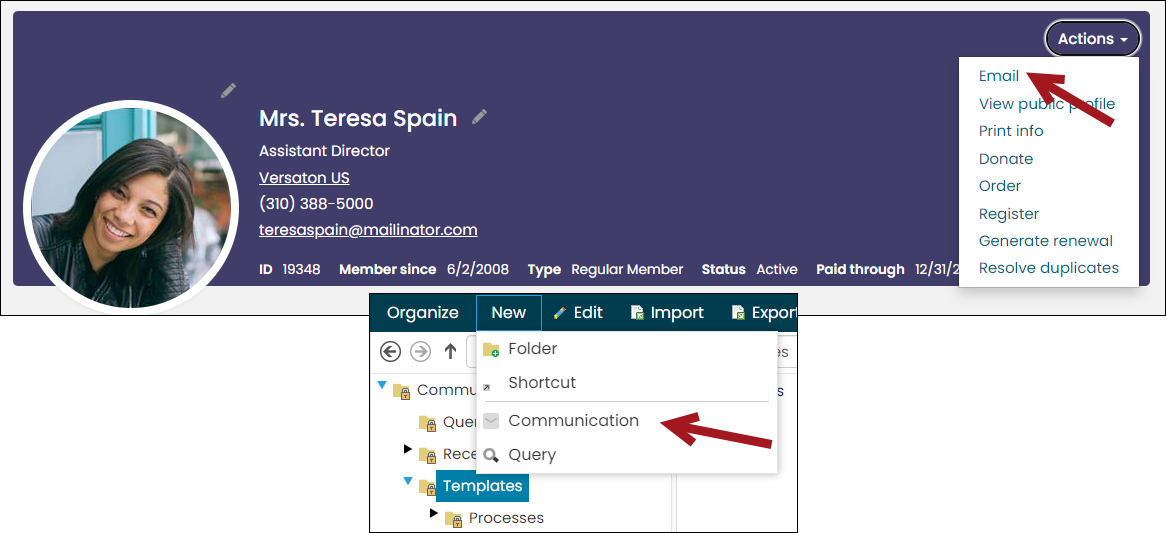
This is the template that automatically opens when composing new communications or when sending a communication directly to an individual. See Setting up a Default communication template for more information.
Donation Thank You Template
Sends a thank-you communication to donors who have made a donation. This communication is linked to the out-of-the-box Donation thank you email scheduled task. When enabled, the communication is automatically sent after a donor submits a donation. See Overview of out-of-the-box scheduled tasks for more information.
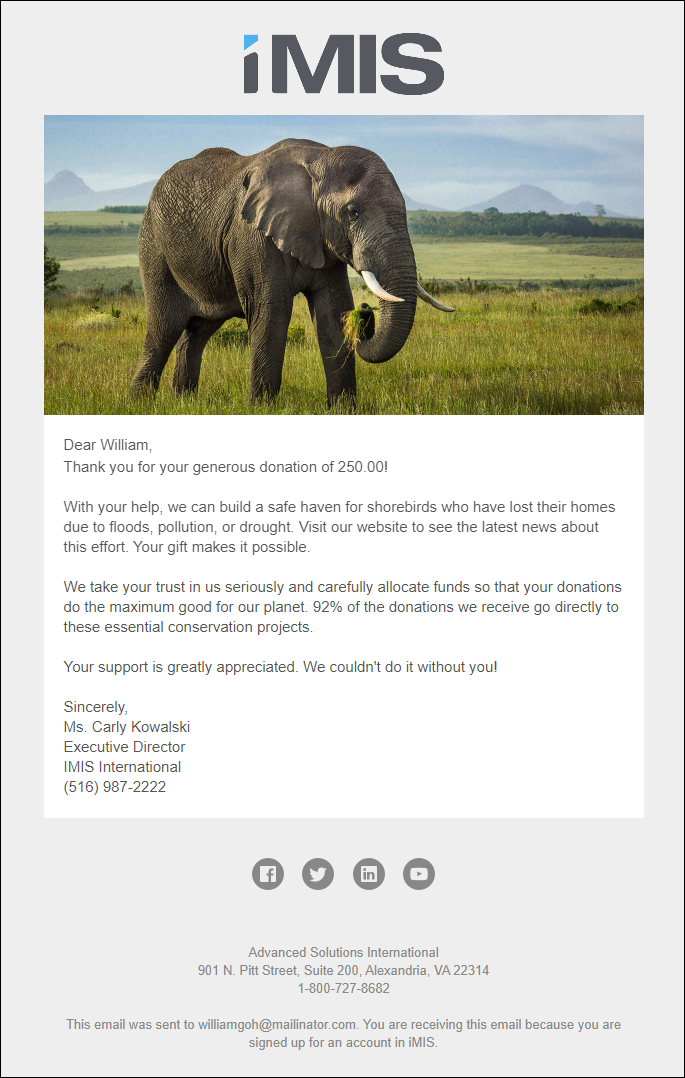
Event Invitation
A communication for you to use when inviting members or donors to an event.
Event Reminder
Used as a reminder for event registrants that the event they are registered for is coming up soon.
Event Thank You
Send this communication after an event to let registrants know you are thankful for their time.
Membership Cancellation Notice
Used to inform members that you have cancelled their membership renewal. See Cancelling a renewal for a member for more information.
Navigation Workflow
The communication that is sent when content is going to expire soon. See Enabling workflow for content authoring for more information.
New Member Offers
Send this communication to new members and let them know the offers that are available to them.
New Member Welcome Email
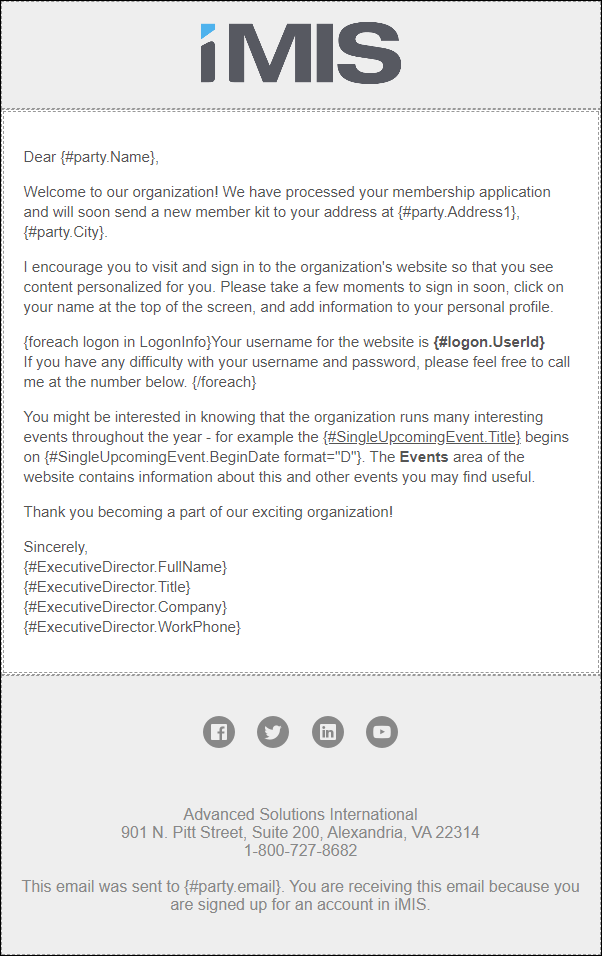
Send this communication to new members when they have joined for the first time. Out-of-the-box, this email is associated with the New member welcome email automated task. Create your own welcome email, then update and enable the scheduled task to begin sending automatic welcome emails to new members. See Creating and editing scheduled tasks for more information.
Recurring Donation Enrollment
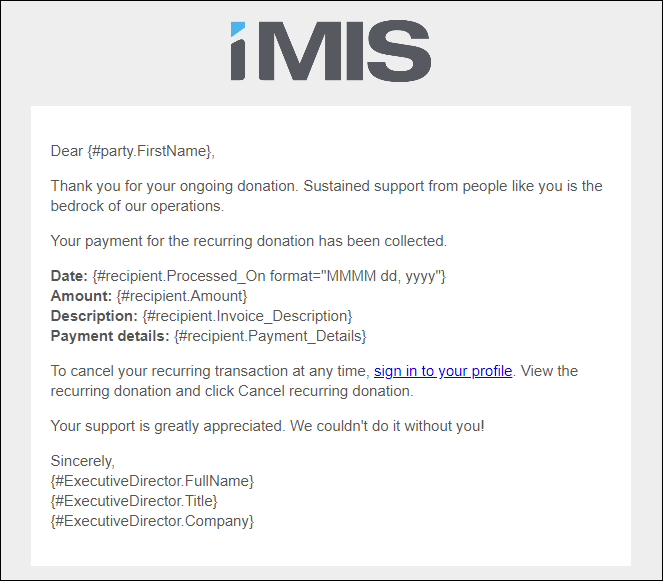
The Recurring Donation Enrollment template is only available when licensed for AutoPay.
This template is used in the AutoPay Donation Started process automation task and is automatically sent to new donors who have enrolled with recurring donations. See Sending confirmation emails for recurring payment enrollments for details.
Renewal Invoice
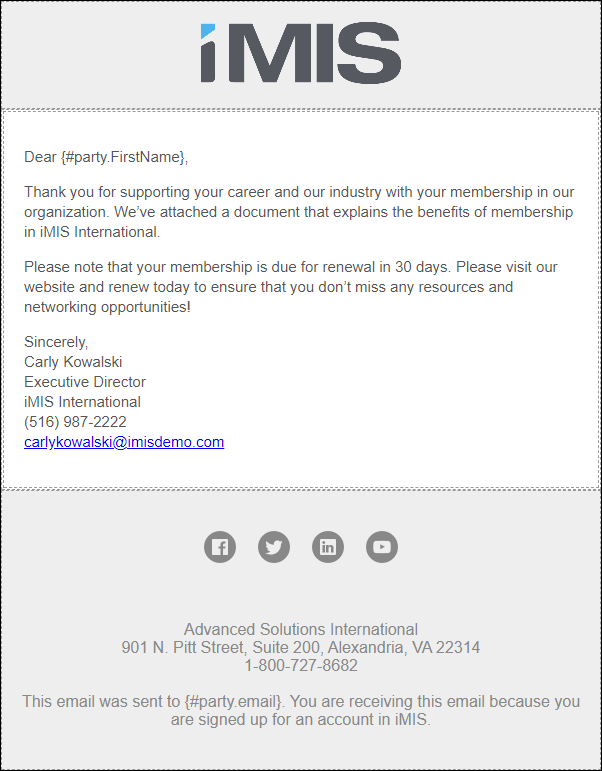
Use the Renewal Invoice template to notify members that their membership is up for renewal. The template has the Invoice Details attached.
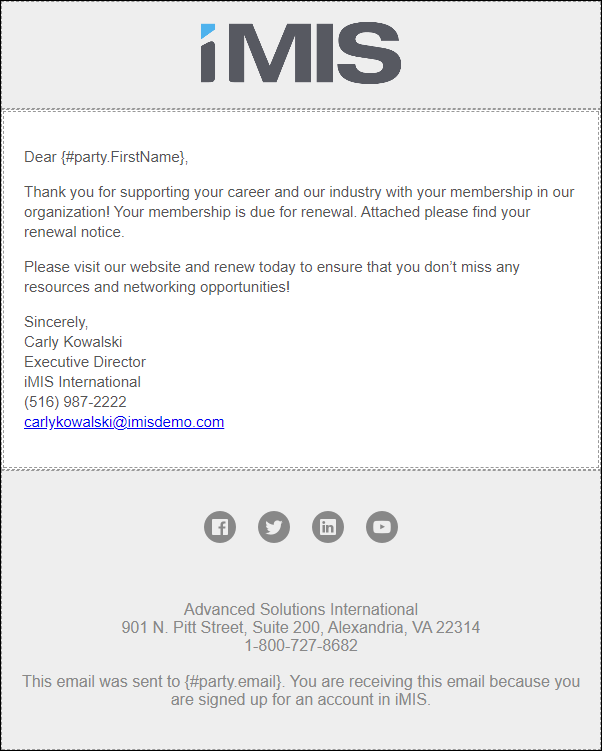
Renewal Reminder
Use this as a template when you are notifying members that their membership is due for renewal soon.
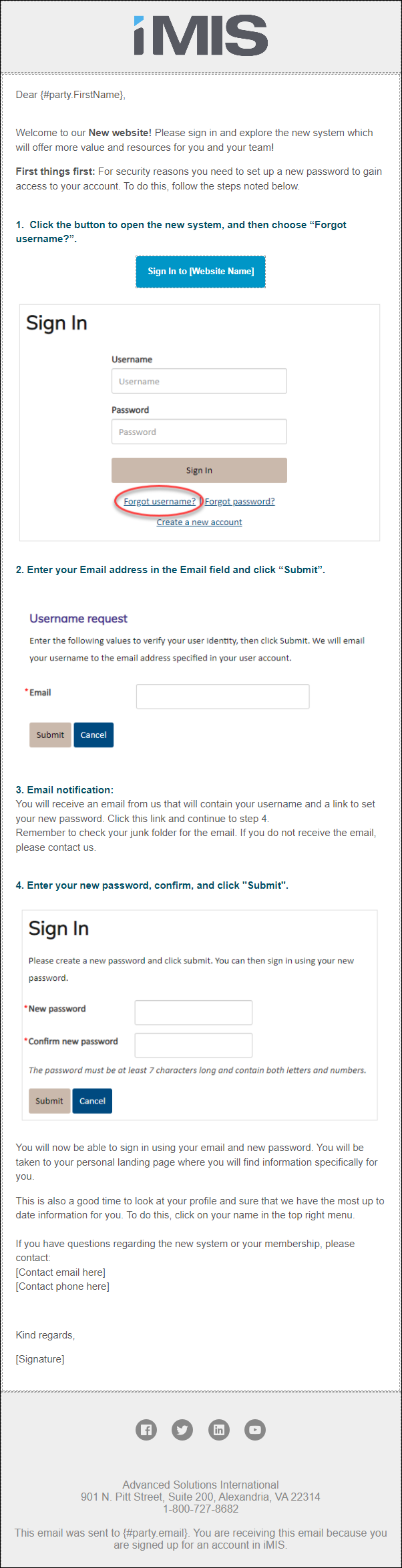
Welcome to new system
Use this template whenever you launch a new website to encourage your members and donors to update their account information.
Updated 5 months ago