

Locating the Workbook Converter
To retrieve the latest version of the iMIS Workbook Converter, you must enter an ASI Hosting ticket and someone from ASI Hosting will send you a zipped folder containing the latest version of the Workbook Converter. It is important that you use the latest version of the Workbook Converter that matches your version of iMIS. Do not attempt to import data with an older version of the Workbook Converter.
If you are working with someone from ASI Client Success, they can find the Workbook Converter compressed zip file in your install directory:
iMIS install directory\iMIS20-WorkbookConverter.zip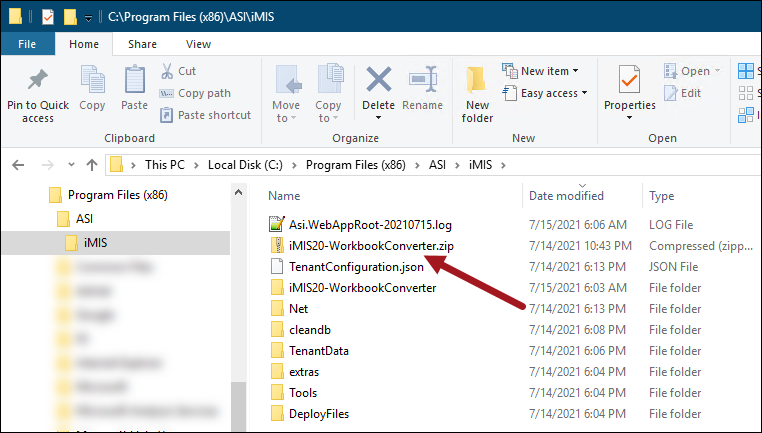
Once you have the zipped Workbook Converter folder, unzip the files into a separate folder. Locate the iMIS 20-100 Conversion.xlsx file. This is the standard iMIS Workbook Converter. To learn more about the other workbooks in the zipped folder, see Importing AutoPay data and Using the Workbook Converter to import clubs and members.
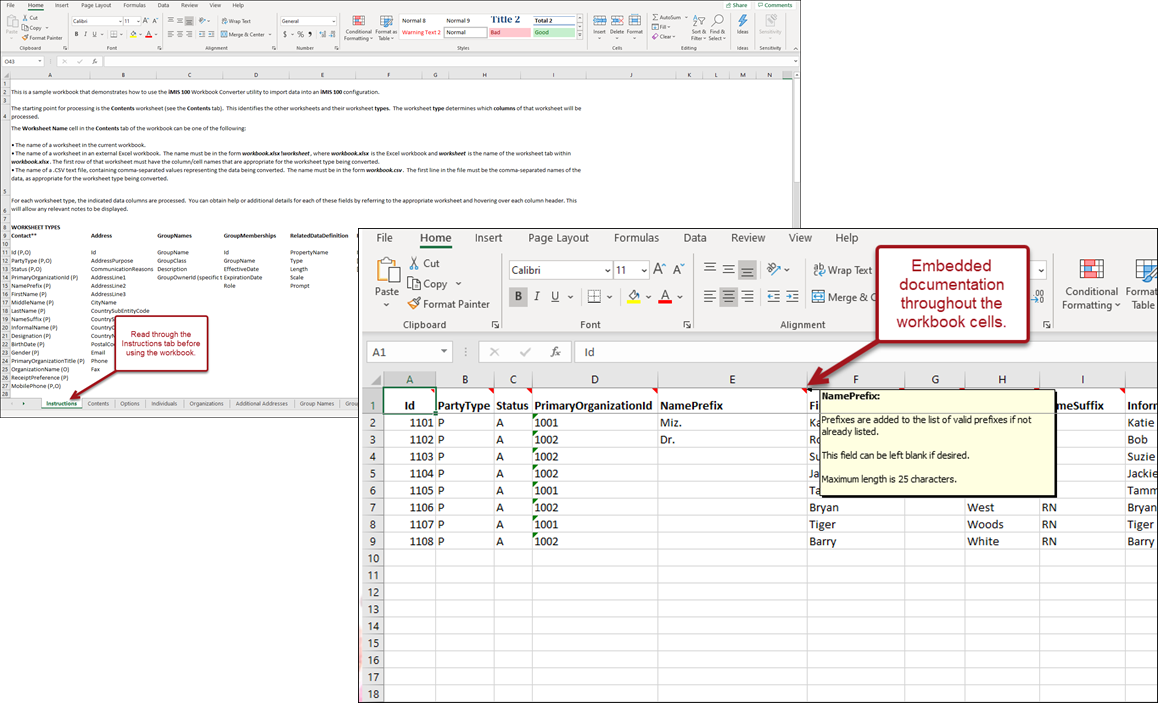
Most of the documentation for the iMIS Workbook Converter is embedded in the workbook, either on the Instructions tab or as a note that appears when you hover over the column headers in each worksheet. Next, review the Preparing the workbook data article.
Updated 5 months ago