

Modifying the available demographic options
The out-of-the-box Club Staff site is configured with membership wizards that enable you to add an entire household or a single member. These wizards are configured with many different options about the new member or household, such as:
- Military branches
- Gender
- Race and ethnic identity
- Grade
- Allergies
After the member or household is created, the details are displayed on the member or household’s account page.
These demographic options are configurable, for example, if you need to add an ethnicity to the Race/Ethnic identity area.
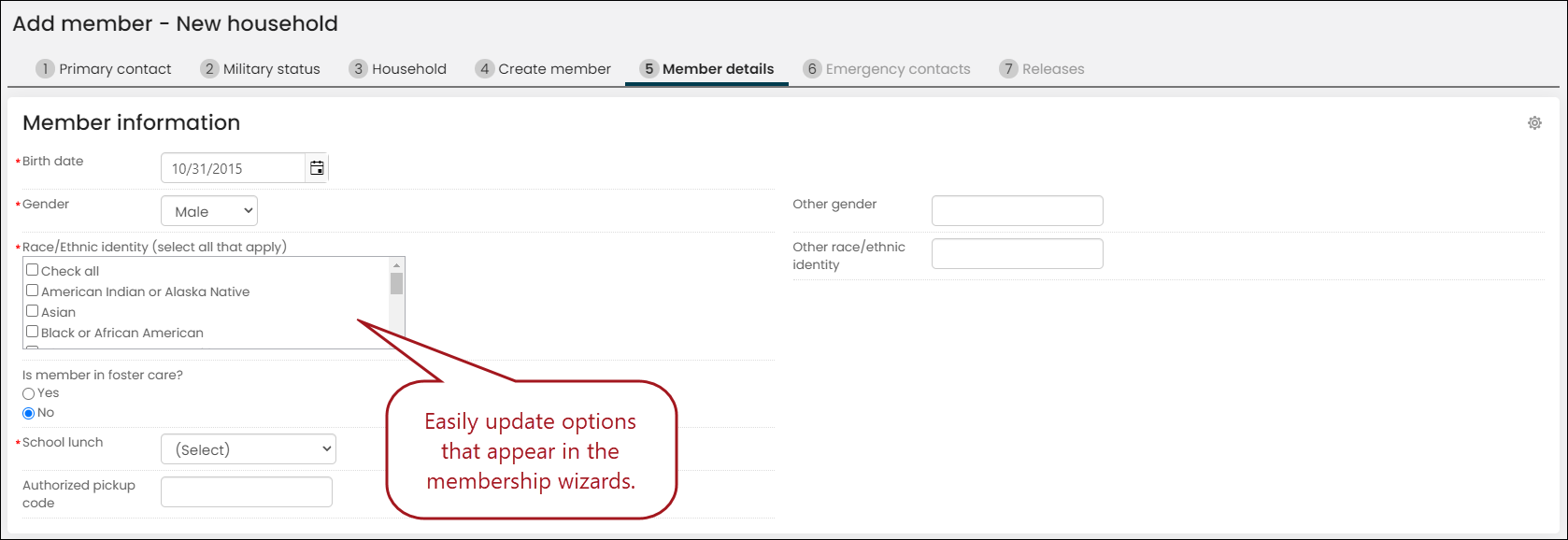
The following table outlines where in the Staff site you can edit or add demographic options.
| Options | Staff site location | Related documentation |
|---|---|---|
| Settings > Contacts > Demographic options | Demographic options |
| Settings > Contacts > Group demographic options | Group demographic options |
| Document types | Settings > Contacts > Document types | Document types |
| Settings > Contacts > Medical options | Medical options |
Updated 3 months ago
Did this page help you?