

Printing invoices
Invoices can be printed directly from the iMIS Staff site.
Do the following to print an invoice:
- From the Staff site, go to Finance > Invoices.
- Search for the invoice using the Select a query drop-down (All invoices or All open invoices) and enter invoice-specific information in the search fields.
NoteAdditional queries added to the $/Accounting/DefaultSystem/Queries/Invoices folder will be displayed in the Select a query drop-down.
- Click Find.
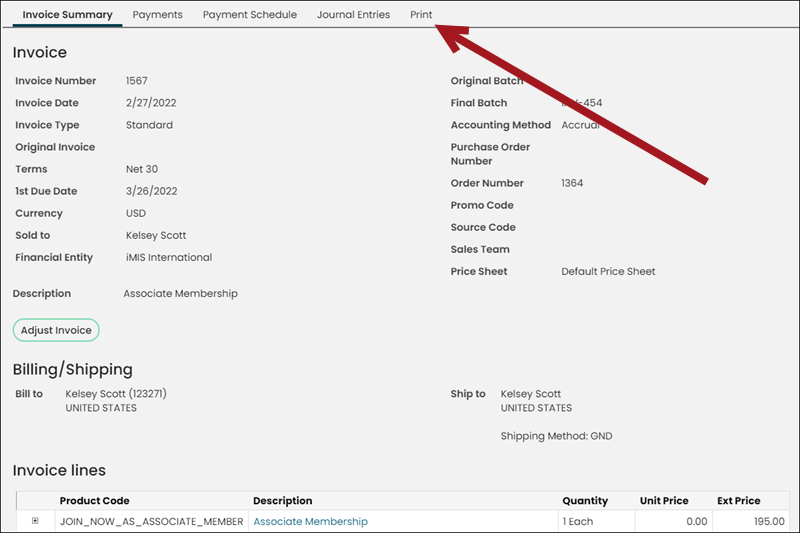
- Select the Invoice Number to review more detailed information related to the invoice.
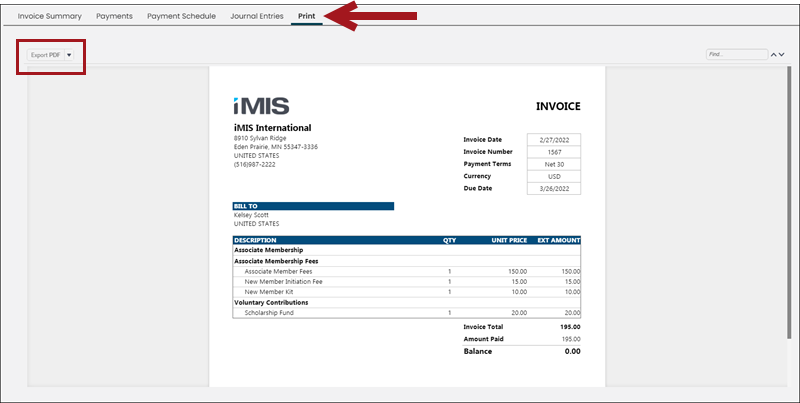
- Click the Print tab.
- Export the invoice report to PDF.
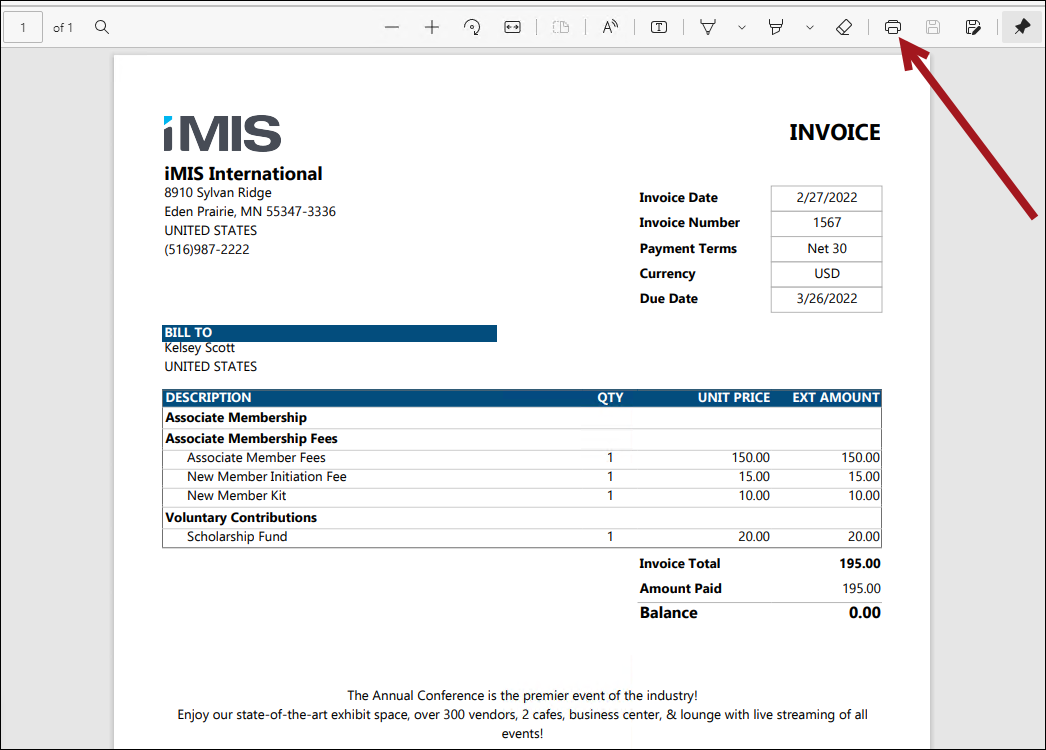
- Print the report.
Updated 5 months ago
Did this page help you?