

Program Item Occurrences Display
The Program Item Occurrences Display content item displays a list and calendar of occurrences for a recurring program item. When used on an event display page, can be configured to display all program items and occurrences for the selected event.
Program Item Occurrences Display configuration options
Choose a Mode. The Mode determines how the recurring program item is displayed:
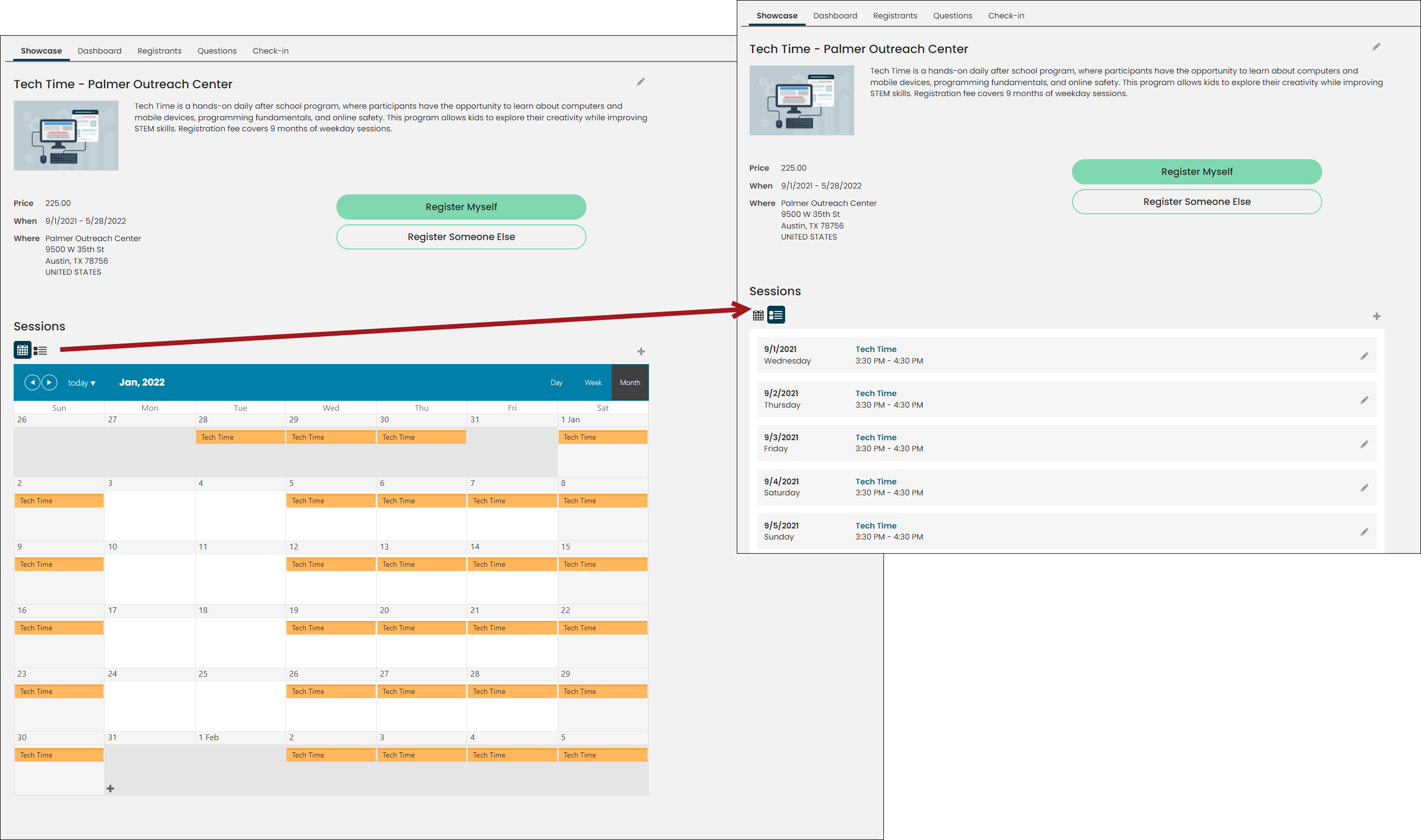
- Display occurrences for a recurring program item - Use to display occurrences for a single program item. If the program item is recurring, then this content item displays a list and a calendar of the recurring sessions. Staff users may edit and/or delete the sessions.
-
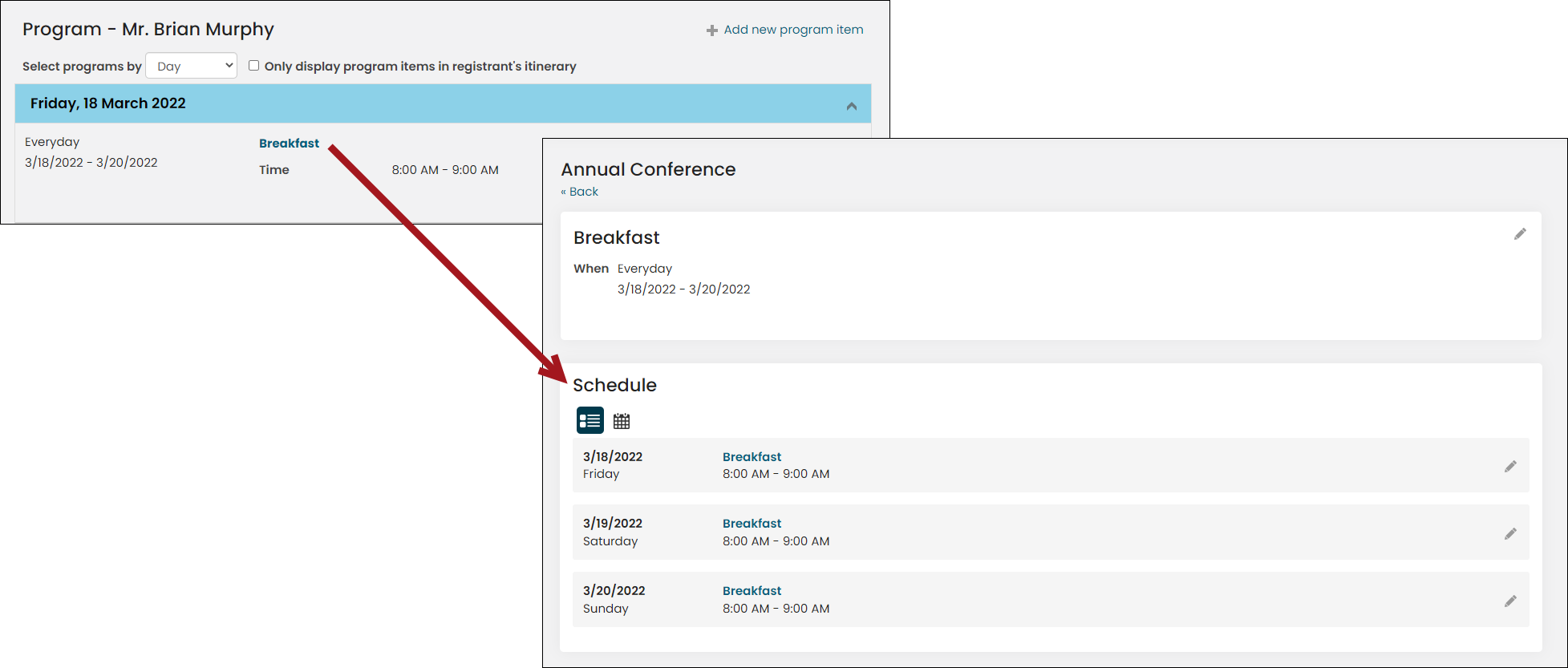
Display all program items and occurrences for an event- Use to display occurrences for an entire event. Occurrences are displayed in a calendar or a list. Registrants can click on an entry to add it to their itinerary if the program item supports registration. Staff users can add new program items, whether recurring or non-recurring, and they can edit and/or delete program items and recurring sessions.
-
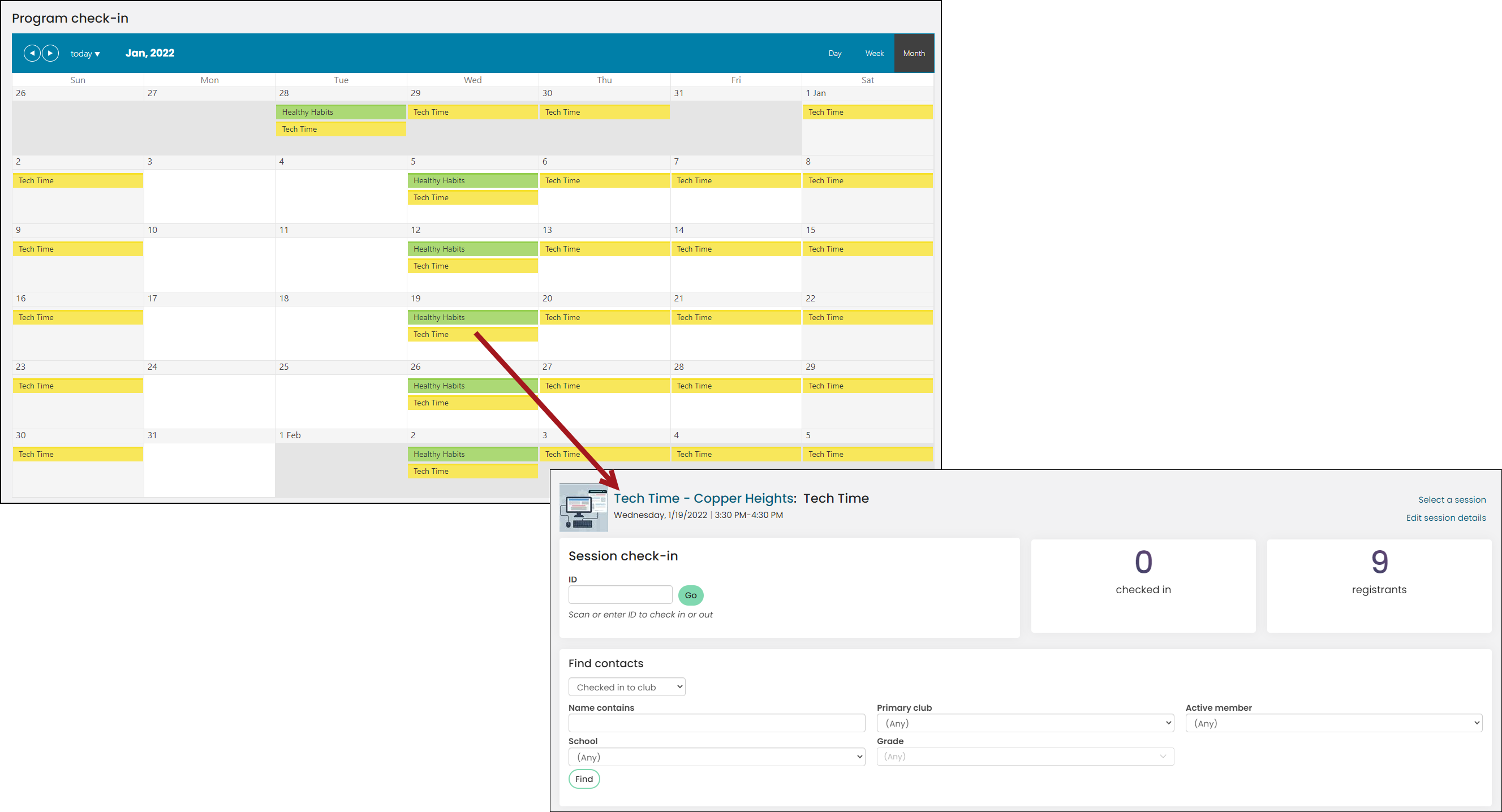
Display a calendar of all occurrences for check-in - Use to display a calendar of event occurrences that redirect to a check-in screen for that occurrence. This option uses the ClubProgramCheckinItem shortcut to determine where calendar entries redirect to when clicked on. Out-of-the-box, the Club Staff site uses this shortcut to redirect to @/iCore/Events/Program-check-in-item.
-
Selected event categories - Select event categories to be visible in the calendar, either one, several, or none. Similar to tags, only occurrences program items attached to events with the selected categories will be visible.
-
Include event results only if the location matches the selected club – (Club license required) Enable if you are using this content item in the Club Staff site and want users to only see occurrences for events where the location matches the selected club.
Notes
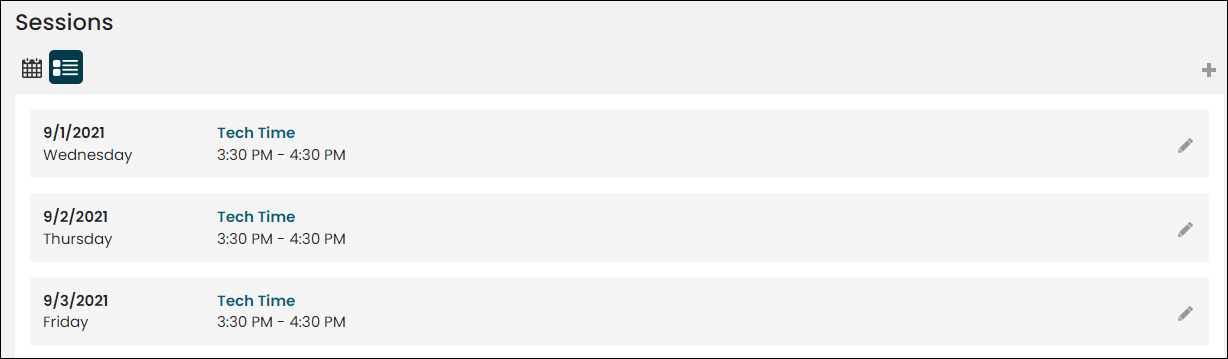
- Use the GridCardStyleNoHover CSS style to add a shaded background without mouseover hovering effects to the Schedule list rows.
Updated 5 months ago