

Printing an attached Report Writer report
A Report Writer report sent as an attachment can be printed from the recipient's account page.
Do the following to print an attachment:
- Navigate to the contact's account page.
- Click the Participation tab.
- Select the communication under the Communications log.
- Click Download.
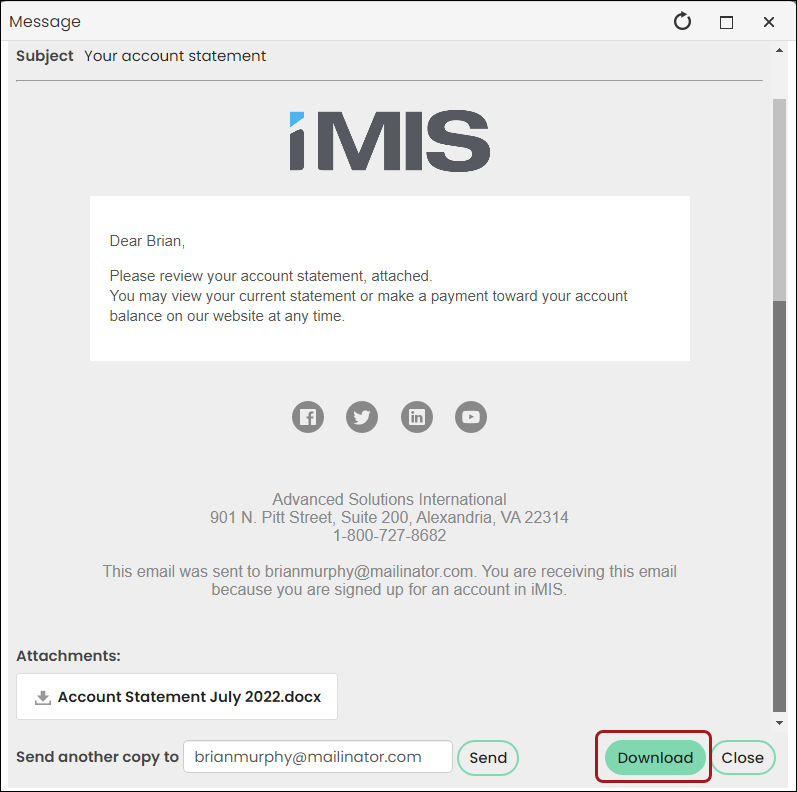 5. If the attachment is a PDF, open the PDF and print.
 - If the attachment is a file type other than PDF, open the attachment and save it as a PDF before printing.
Updated 5 months ago
Did this page help you?