

Updating the iMIS time zone
The iMIS Time Zone is a read-only field on the Settings > About iMIS page under the Show more link.
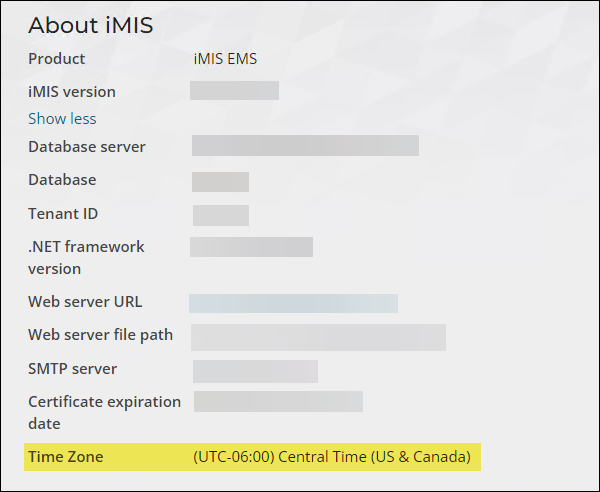
Do the following to update the iMIS time zone:
- Go to support.imis.com and create a new ticket with ASI Hosting.
- In the ticket description, specify which time zone you need iMIS to be updated to.
- ASI Hosting confirms the time zone is updated.
- Go to Settings > About iMIS and select the Show more link.
- Confirm the Time Zone is correct. If the setting is not correct, contact ASI Hosting through the same ticket.
Updated 5 months ago
Did this page help you?