

Viewing payments
Most of the work with billing will focus on renewal invoices, payments, batches, and gateway transactions.
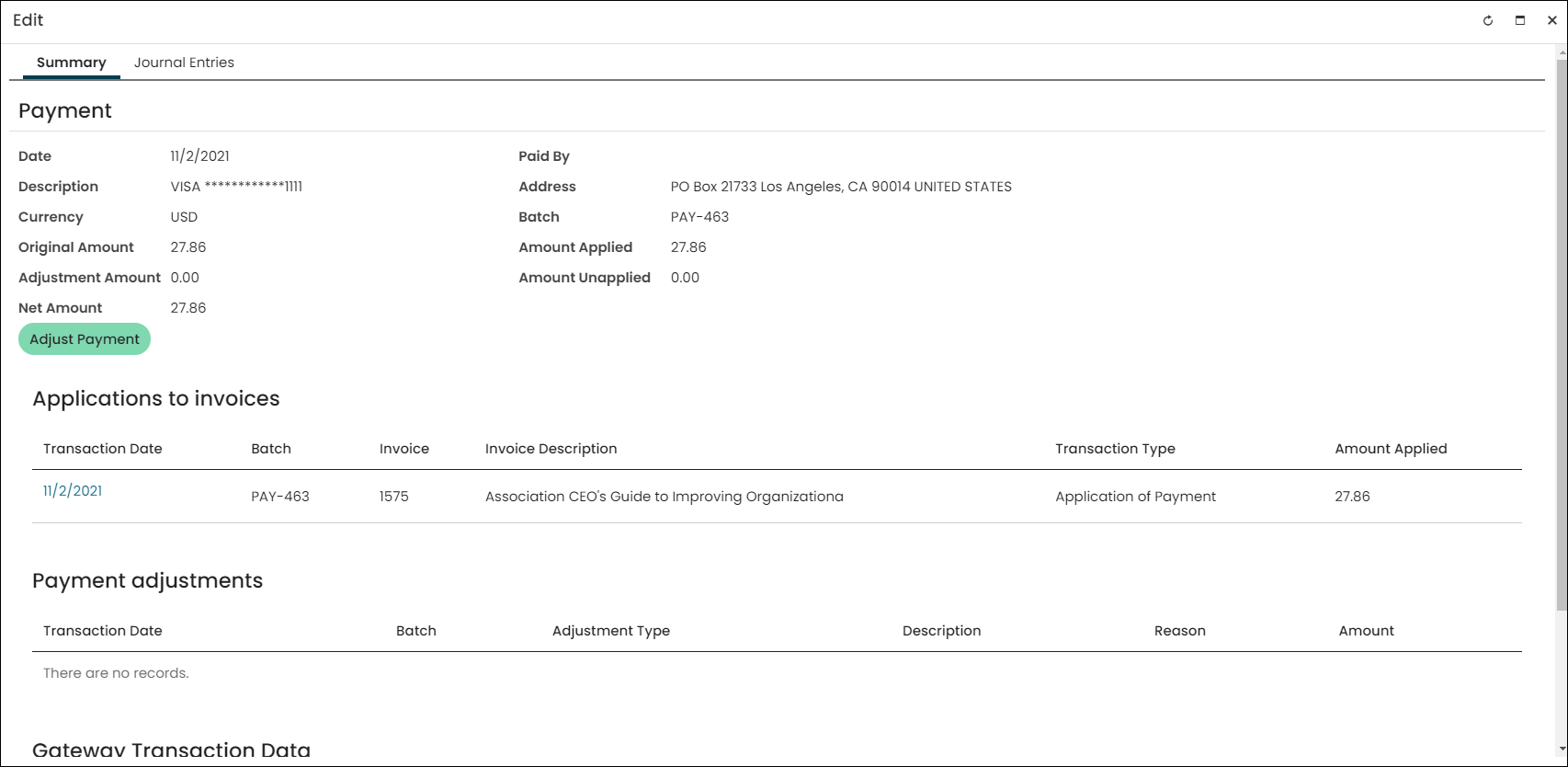
Viewing payment details
Do the following to view payment details:
-
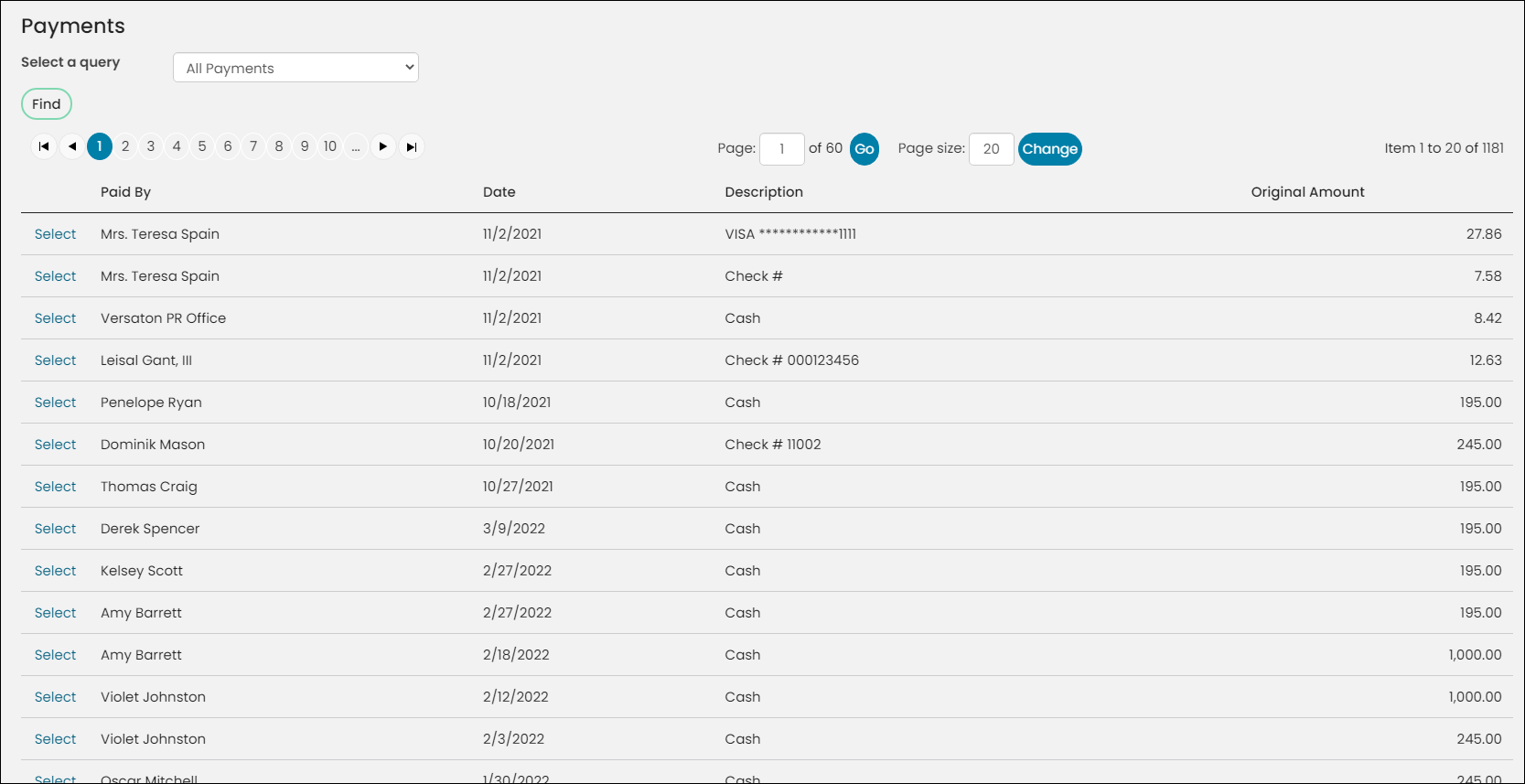
From the Staff site, go to Finance > Pay Central > Find payments.
-
(optional) Select a query to narrow results:
-
By Contact and Date – Search for a payment based on the contact's name and the payment date.
-
By Invoice Number – Search for a payment based on the invoice number.
NoteIf you select this query, the Invoice number is a required value. You cannot click Find to search for all payments.
-
By Order Number – Search for a payment based on the order number.
NoteIf you select this query, the Order number is a required value. You cannot click Find to search for all payments.
- All Payments (default) – Returns most payments except payments with an Original payment key (refers to payment being adjusted).
- Include Adjustments – Returns all payments, including payments with an Original payment key (refers to payment being adjusted).
- Payments with Credit Balance - Returns all payments with an open or unpaid balance.
All queries can be found at $/Accounting/DefaultSystem/Queries/Payments.
-
-
Click Find.
-
Select the desired payment to view details, including Applications to invoices and Payment adjustments.
-
Select the Journal Entries tab to view journal entry details and related sales journal entries.
Viewing payments with a credit balance
View payments with open credit balances from the Staff site (Finance > Pay Central > Find payments. Staff can use the Payments with Credit Balance query to review accounts with an open or unapplied balance.
The Payments with Credit Balance query results include the name of the contact who made the payment (Paid By), the date the payment was made (Date), a Description of the payment method, the Original Amount that was paid, the amount that was applied to the payment (Applied Amount), and the balance (Credit Amount).
Use the Select link to open a payment item from the Payments with Credit Balance results and issue a refund. See Recording a refund for more information.
You can also view a list of all payments with a credit balance in your system from the Accounting report, Payments with Credit Balance.
Updated 5 months ago